Slide Background
Every slide includes a background, which can be a picture or solid color.
To change the background click on the label bar and in the layer window select the style tab.
Choose a source from the background top tab then upload an image or pick a background color.
Build & Design
Build any layout with layers and customize your designs limitlessly.
To add a layer, click the green plus button in the left sidebar and select the type of layer.
Select any layer and you can edit its content and style properties in the layer window.
6月27日(木)
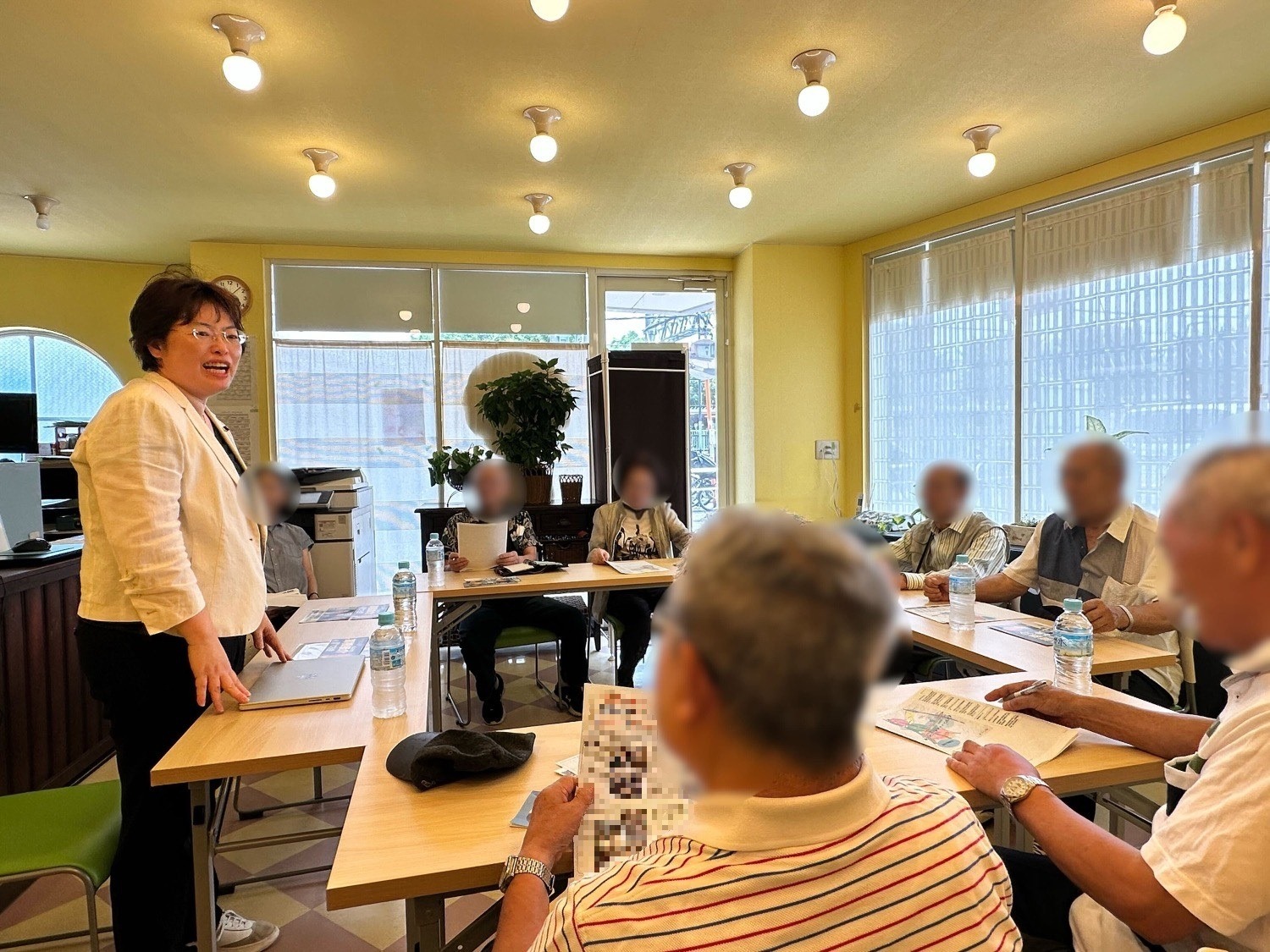
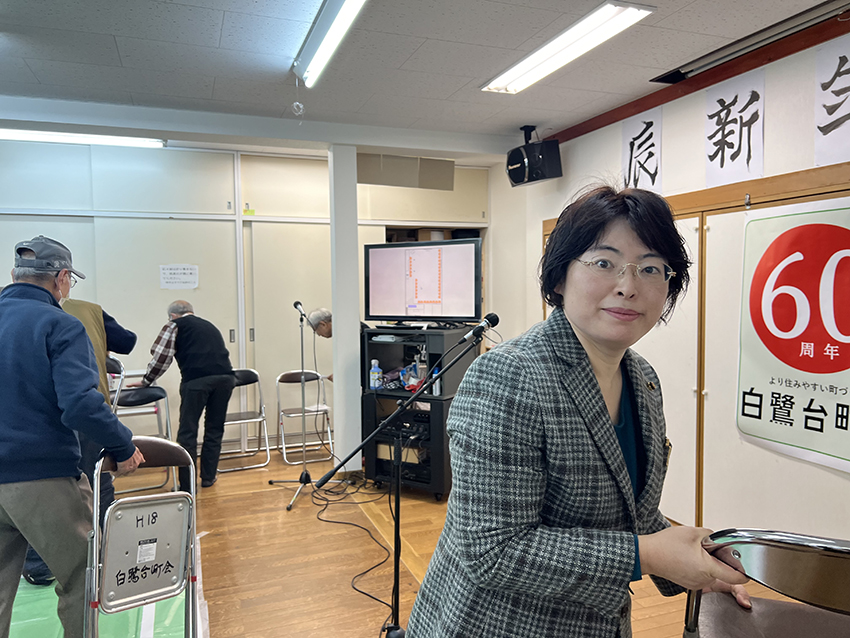
支援者の方々に、海老川上流地区のまちづくりについて、航空写真を活用しながら市政報告致しました。
完成までにはまだまだかかりますが、進捗状況など随時報告していきたいと思います。
当日は、報告の他にも雑談を含め、様々コミュニケーションの時間もいただき充実した時間となりました。
支援者の皆さま、いつもありがとうございます。
海老川上流地区のまちづくりについては、船橋市HPでも説明しておりますのでご確認ください。
ホームページのリンクはこちら